





TubeMate offers a practical solution for Android users who want greater control over their video content. This application enables direct downloading of videos from various platforms for offline viewing, eliminating the need for a constant internet connection. It is particularly valuable for students, travelers, and anyone with limited data plans who wants to save videos for later enjoyment without buffering or using mobile data.
Direct Video Download Functionality
The core feature of TubeMate allows you to save videos directly to your device’s storage. You can choose from multiple resolutions and formats to suit your quality preferences and storage capacity. This ensures your favorite content is always accessible, even when you are offline or in an area with poor network connectivity.
Built-in Video and Music Player
Once your media is downloaded, you can play it immediately within the app using its integrated media player. This creates a seamless experience from discovery to playback without needing to switch between different applications. The player supports background audio playback, letting you listen to music from videos while using other apps on your phone.
Advanced Download Management System
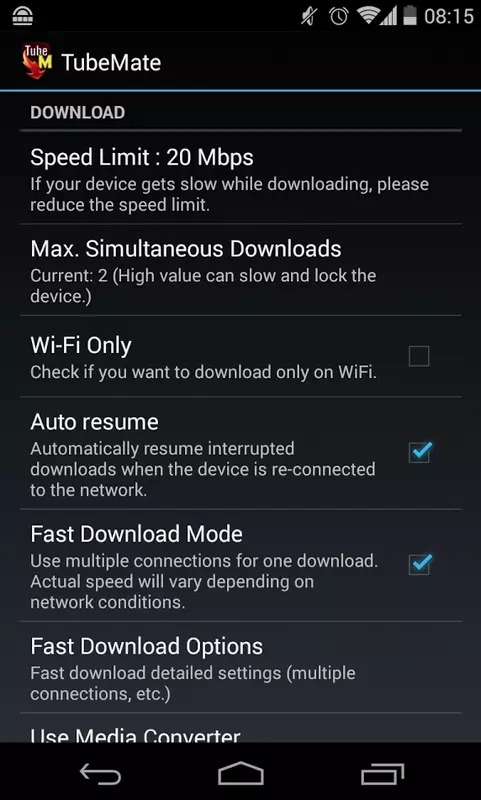
TubeMate provides a robust manager to handle all your download tasks efficiently. You can pause, resume, or cancel downloads as needed, giving you full control over your device’s bandwidth. The manager also organizes your completed downloads, making it simple to locate and manage your saved video files.
In-App Browser for Easy Discovery
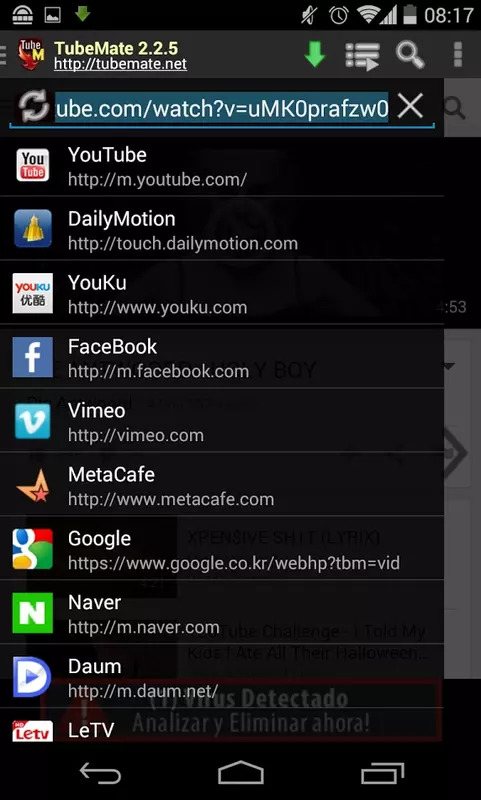
The application includes a dedicated web browser designed for video sites. This integrated tool lets you search for and navigate to your desired content without leaving the TubeMate environment. It streamlines the process, making it quick and easy to find the specific video you wish to download.
Flexible Video Quality Selection
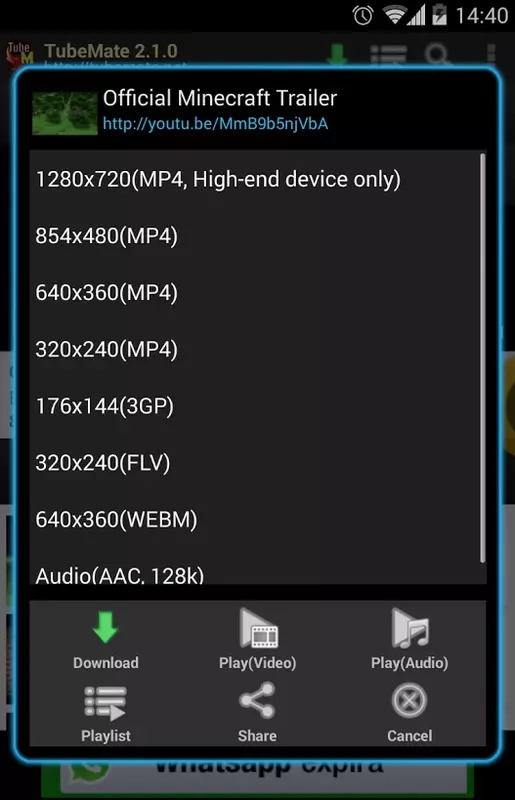
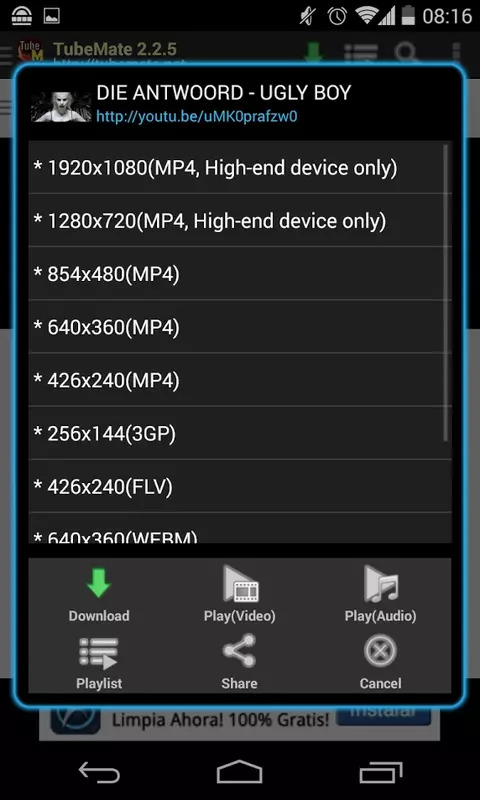
You are given the freedom to select the video quality before downloading, from lower resolutions that save space to high-definition for the best viewing experience. This flexibility helps you manage your device’s storage wisely and ensures the video is perfectly suited to your screen and data-saving needs.
Frequently Asked Questions
The app is widely used, but as with any third-party application, it is prudent to download it from a reputable source. Always ensure your device’s security settings are configured to protect your privacy.
TubeMate is optimized to work with several major video platforms, but its compatibility with every website cannot be guaranteed. Its functionality is most reliable with popular, widely-used video streaming services.
Due to policies that restrict apps facilitating video downloads from certain platforms, TubeMate is distributed through alternative channels. Users need to enable installation from unknown sources in their device settings to install it.
Yes, for many videos, TubeMate offers an option to download just the audio track in MP3 format. This is ideal for creating a personal music library or listening to podcasts and lectures without the video component.